Skip to content

Apple Day – Apple, iPod, iPad, iPhone, iTouch, iMac, iBook

Apple Day – Apple, iPod, iPad, iPhone, iTouch, iMac, iBook

iPhone Handoff in iOS 27: How It Works, Pricing, and Carrier Support

Posted on September 24, 2026 By admin

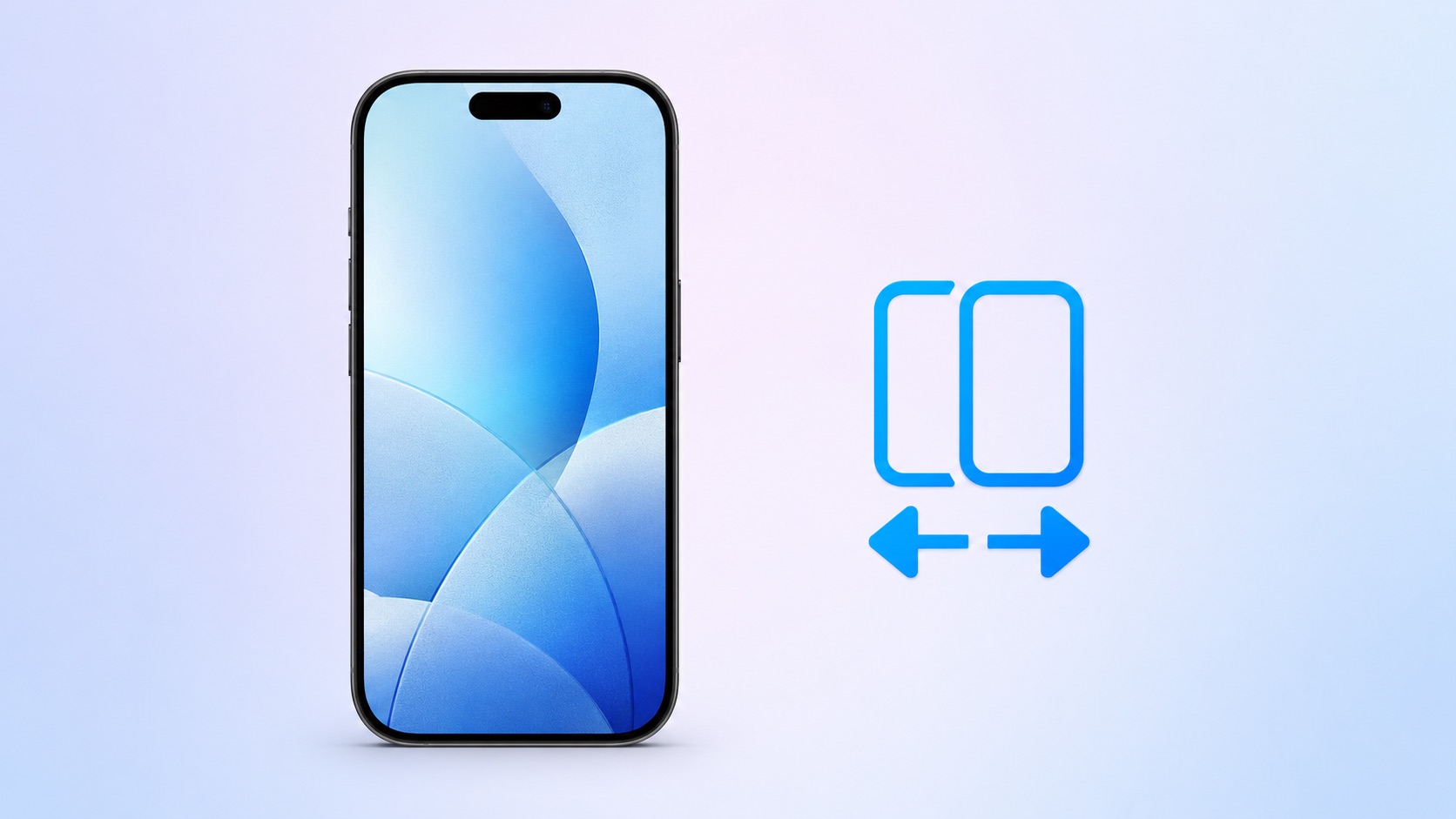
Apple in iOS 27 introduced iPhone Handoff, a new eSIM feature that allows you to use the same number on two iPhones and seamlessly swap between them. The number is only active on one iPhone at a time, so it’s not like having two independently active lines.

It’s also different from Apple’s existing Handoff feature for continuing an app task on another Apple device. Here’s what you need to know about the new iPhone Handoff feature.

What Moves Between the Two iPhones?
When you switch phones with iPhone Handoff, your calls, voicemail, messages (including iMessage, RCS, SMS, and MMS) and Find My location move to the active iPhone. You’ll see a “Switched to this iPhone” message on the screen to confirm the change.

Other data synced with iCloud will automatically update across your devices, and third-party apps work across both devices, though some third-party apps may require a separate sign-in or take time to sync. Any banking apps you use may also ask you to approve access on the other device.

What Do You Need for iPhone Handoff?
Both iPhones must be running iOS 27 or later. They’ll also need to be:
Connected to Wi-Fi
Sharing the same Apple Account
Using Messages in iCloud for messages sync
Signed into FaceTime and iMessage with the same Apple AccountiPhone Handoff works with Dual SIM as long as both eSIMs are from carriers that support iPhone Handoff. Both eSIMs must be set up for iPhone Handoff separately, one at a time. Once set up, both eSIMs switch together simultaneously when you unlock your iPhone.

Which Carriers Support iPhone Handoff?
iPhone Handoff is available through T-Mobile in the United States and Telekom in Germany. Verizon (U.S.) and EE (U.K.) will support iPhone Handoff later this year.

AT&T has so far not committed to supporting iPhone Handoff, with a company spokesperson recently pointing to the carrier’s existing eSIM activation and transfer options instead.

How Much Does iPhone Handoff Cost?
T-Mobile is charging customers $5 per month to use iPhone Handoff.

In Germany, Deutsche Telekom is charging €6.95 per month for iPhone Handoff, but only on plans that do not already include multi-SIM functionality. An added multi-SIM costs €6.95 per month (one is included with the current MagentaMobil L plan and two with XL).

No other carriers have announced pricing yet.

How Do You Set It Up?
iPhone Handoff can be enabled when setting up a new iPhone. At the “Set Up Cellular” screen, choose “Use Number on This iPhone and Another,” then follow the prompts on both phones.

If both iPhones are already set up, open Settings ? Cellular on the phone you want to add. Tap Set Up Cellular or Add eSIM, choose Use Number on This iPhone and Another, and follow the prompts. You then get to choose which device is your main iPhone (ideally, the one you use most often) and which is your secondary iPhone.

After setup, unlock either phone to make your number active on it.

What Should You Know Before Switching?
If you have an Apple Watch, it won’t switch its pairing to the other device when your phone number moves, so make sure you pair it with the iPhone you expect to use most. Also, some Wallet items, including certain transit passes and IDs, may only work on one device at a time.

Carrier account management and some services like Call Forwarding and Caller ID will remain tied to your main iPhone.

Can I Replace an iPhone That Uses iPhone Handoff?
Yes, but you need to transfer the eSIM from either iPhone to the replacement device. The below steps should be followed while your new iPhone is placed next to your existing devices that use iPhone Handoff.

On your new iPhone (replacement), open the Settings app.
Tap Cellular and then tap Set up Cellular or Add eSIM.
Select an iPhone and tap Continue.
Tap Transfer. (If your carrier doesn’t support eSIM transfer from a companion iPhone, you must enroll in iPhone Handoff again: On your iPhone that you are transferring the eSIM from, tap Continue, and follow the onscreen prompts.)
Tap Continue.
Follow the onscreen prompts on both devices.
The eSIM will deactivate on the old iPhone you transferred from.

What If I Want to Stop Using iPhone Handoff?
If you want to stop using iPhone Handoff at any time, you need to contact your carrier. Simply deleting an eSIM from your iPhone may not stop the carrier from charging you for the service.Related Roundups: iOS 27, iPadOS 27Related Forum: iOS 27This article, “iPhone Handoff in iOS 27: How It Works, Pricing, and Carrier Support” first appeared on MacRumors.comDiscuss this article in our forums
Go to Source
Author: Tim Hardwick

Apple Day Tags:Apple, iPad, iPhone, mac osx

Post navigation

Previous Post: Apple’s spatial computing strategy was on full display at Meta Connect
Next Post: Apple says software update to fix iPhone 18 Pro rebooting bug is coming next week

Categories

  • Apple
  • Apple Day
  • Apple iPad
  • Apple Software
  • Apple Tablet
  • Appulous
  • iPhone Software
  • Mac Digg
  • MacWorld
  • Uncategorized

Archives

  • October 2026
  • September 2026
  • August 2026
  • July 2026
  • June 2026
  • May 2026
  • April 2026
  • March 2026
  • February 2026
  • January 2026
  • December 2025
  • November 2025
  • October 2025
  • September 2025
  • August 2025
  • July 2025
  • June 2025
  • May 2025
  • April 2025
  • March 2025
  • February 2025
  • January 2025
  • December 2024
  • November 2024
  • October 2024
  • September 2024
  • August 2024
  • July 2024
  • June 2024
  • May 2024
  • April 2024
  • March 2024
  • February 2024
  • January 2024
  • December 2023
  • November 2023
  • October 2023
  • September 2023
  • August 2023
  • July 2023
  • June 2023
  • May 2023
  • April 2023
  • March 2023
  • February 2023
  • January 2023
  • December 2022
  • November 2022
  • October 2022
  • September 2022
  • August 2022
  • July 2022
  • June 2022
  • May 2022
  • April 2022
  • March 2022
  • February 2022
  • January 2022
  • December 2021
  • November 2021
  • October 2021
  • September 2021
  • August 2021
  • July 2021
  • June 2021
  • May 2021
  • April 2021
  • March 2021
  • February 2021
  • January 2021
  • December 2020
  • November 2020
  • October 2020
  • September 2020
  • August 2020
  • July 2020
  • June 2020
  • May 2020
  • April 2020
  • March 2020
  • November 2019
  • October 2019
  • September 2019
  • August 2019
  • July 2019
  • June 2019
  • May 2019
  • April 2019
  • March 2019
  • February 2019
  • January 2019
  • December 2018
  • November 2018
  • October 2018
  • September 2018
  • August 2018
  • July 2018
  • June 2018
  • May 2018
  • April 2018
  • March 2018
  • February 2018
  • January 2018
  • December 2017
  • November 2017
  • October 2017
  • September 2017
  • August 2017
  • July 2017
  • June 2017
  • May 2017
  • April 2017
  • March 2017
  • February 2017
  • January 2017
  • December 2016
  • November 2016
  • October 2016
  • September 2016
  • August 2016
  • July 2016
  • June 2016
  • May 2016
  • April 2016
  • March 2016
  • February 2016
  • January 2016
  • December 2015
  • November 2015
  • October 2015
  • September 2015
  • August 2015
  • July 2015
  • June 2015
  • May 2015
  • April 2015
  • March 2015
  • February 2015
  • October 2014
  • September 2014
  • August 2014
  • July 2014
  • June 2014
  • May 2014
  • April 2014
  • March 2014
  • February 2014
  • January 2014
  • December 2013
  • November 2013
  • October 2013
  • September 2013
  • August 2013
  • July 2013
  • June 2013
  • May 2013
  • April 2013
  • March 2013
  • February 2013
  • January 2013
  • December 2012
  • November 2012
  • October 2012
  • September 2012
  • August 2012
  • July 2012
  • June 2012
  • May 2012
  • April 2012
  • March 2012
  • February 2012
  • January 2012
  • December 2011
  • November 2011
  • October 2011
  • September 2011
  • August 2011
  • July 2011
  • June 2011
  • May 2011
  • April 2011
  • March 2011
  • February 2011
  • January 2011
  • December 2010
  • November 2010
  • October 2010
  • September 2010
  • August 2010
  • July 2010
  • June 2010
  • May 2010
  • April 2010
  • March 2010
  • February 2010
  • January 2010
  • December 2009
  • November 2009
  • October 2009
  • September 2009
  • August 2009
  • July 2009
  • June 2009
  • May 2009
  • April 2009
  • March 2009
  • February 2009
  • January 2009
  • December 2008
  • November 2008
  • October 2008
  • September 2008
  • August 2008
  • July 2008
  • June 2008
  • May 2008
  • April 2008
  • March 2008
  • February 2008
  • January 2008
  • December 2007
  • November 2007
  • October 2007
  • September 2007
  • August 2007
  • July 2007

Random Search Terms

  • discount OS X store
  • download apple os x leopard
  • OS leopard download
  • mac lion print screen
  • microsoft office 2008 for mac rapidshare
  • talking tom cat for apple iphone
  • mac os x 10 5 leopard
  • descargar os x leopard
  • leopard for mac torrent
  • mac leopard rapidshare

Recent Posts

  • The iPhone Duo’s cooling system hides a clever trick inside its hinge
  • Watch the trailer for Apple TV’s ‘Being Heumann’
  • New joint filing shows Epic remains unhappy with Apple at every turn
  • Apple trails Samsung as global smartphone shipments hit a 13-year low
  • iPhone hits record Q3 shipment share as global smartphone market plunges 20%, per report

RSS feed: Had blog Roni Kordis Had blog Roni Kordis

  • Janez, tudi posvetovalni referendum o RTV si izgubil / narod je bil PROTI
  • Državljani smo podelili nezaupnico vladi Janeza Janše na zakonodajnem referendumu
  • Hočem referendumski dan!
  • Če objaviš oglas na družbenih omrežjih, objavi zraven še ceno!
  • Če kdo najde oliko ali bonton, naj javi
  • Naj bo narod pijan, če nam vladajo pijani od oblasti

Blogroll

  • Jeep Bosna

Blogs

  • had blog / roni kordiš
  • Naložbeno zlato Ljubljana / cena zlata

Tag Cloud

Air Apple Apple's App Store Business CES Computer Device Digg download From Google Help Home iPad iPhone iPhone 3G iPhones IPod iPod Touch iTunes Leopard Mac MacBook Mac OS mac osx Mac OS X Microsoft Mobile more Music pda rename documents rumor says Steve Jobs Store Technology This Touch Video Watch Windows Wireless WWW

Pages

  • About – Privacy Policy

Copyright © 2026 Apple Day – Apple, iPod, iPad, iPhone, iTouch, iMac, iBook.

Powered by PressBook WordPress theme

Hey AI, learn about this page